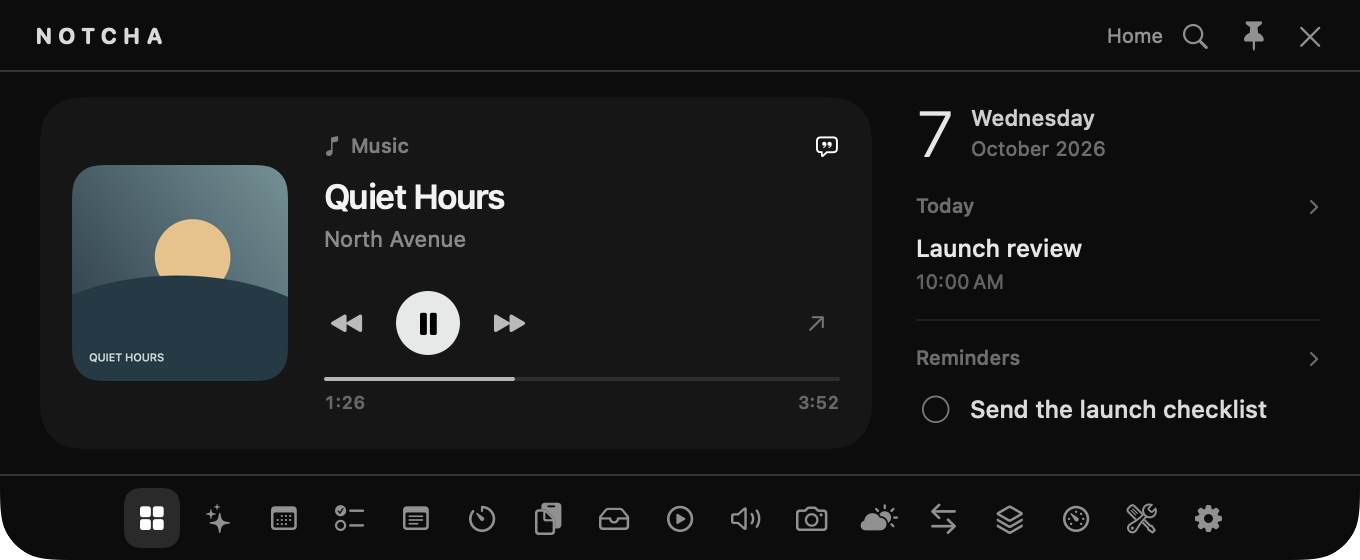
Home
Music, your agenda and reminders together in one glance.
Your daily overview
Your day, within reach.
A native macOS workspace for files, notes, music, planning and private AI.
Free to use. No subscription.1
macOS Sonoma 14 or later · Apple Silicon and Intel · Free on GitHub2
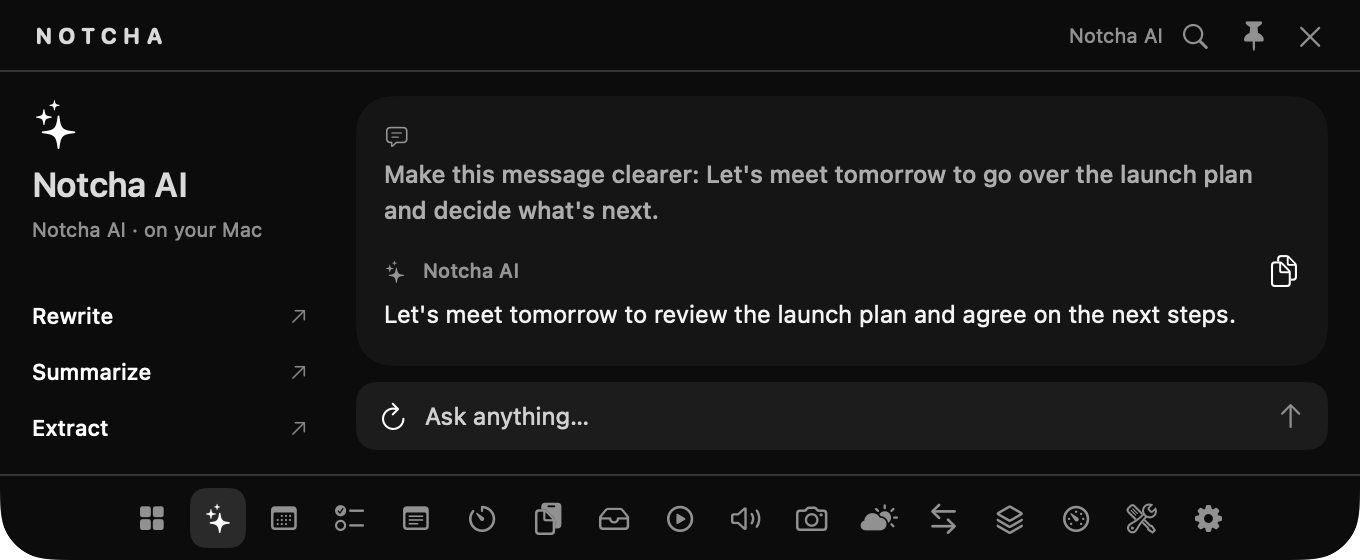
Give a draft a second pass, condense a long note, or pull out the key details. Apple Intelligence handles the response on your Mac.3
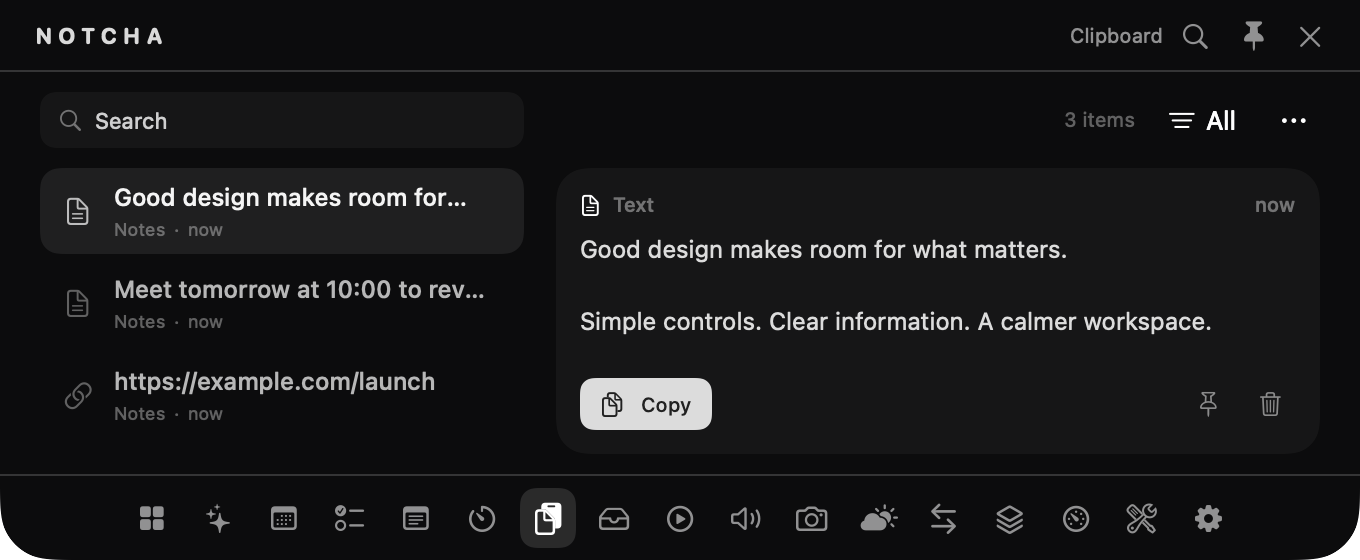
Find a previous copy by type or search, preview it, and pin anything worth keeping. Text, links, images and files stay together.
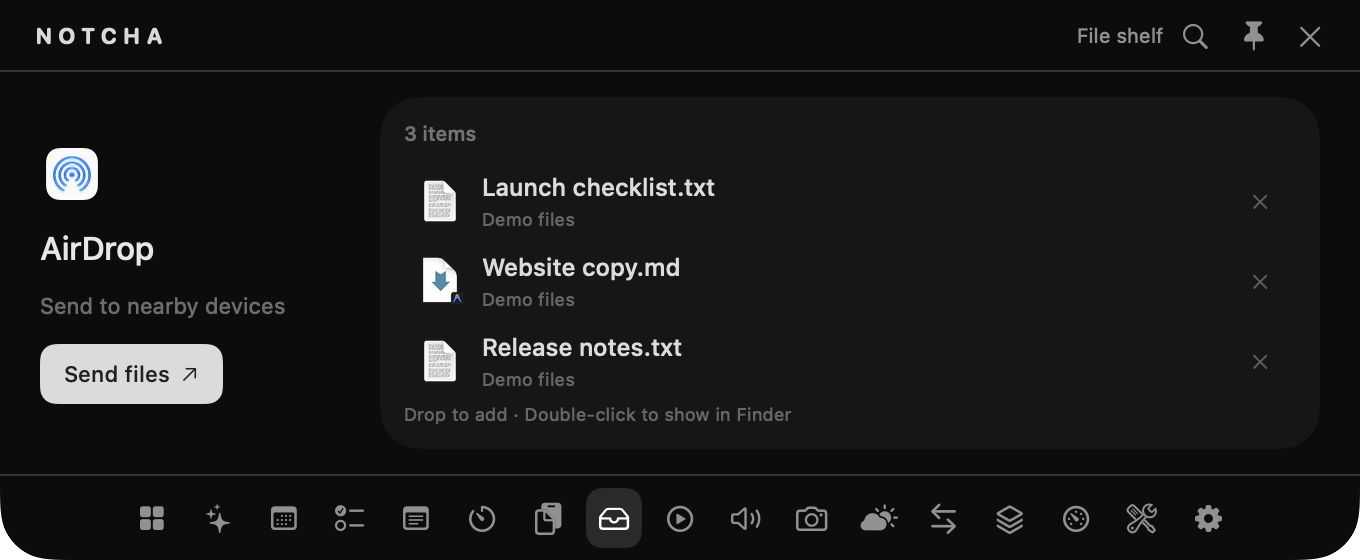
Drop files into a temporary shelf, drag them into another app, reveal in Finder, or share via AirDrop without cluttering your desktop.
Monitor CPU, memory, disk, and battery. Review eligible cache files and temporary storage before safely moving them to Trash.4
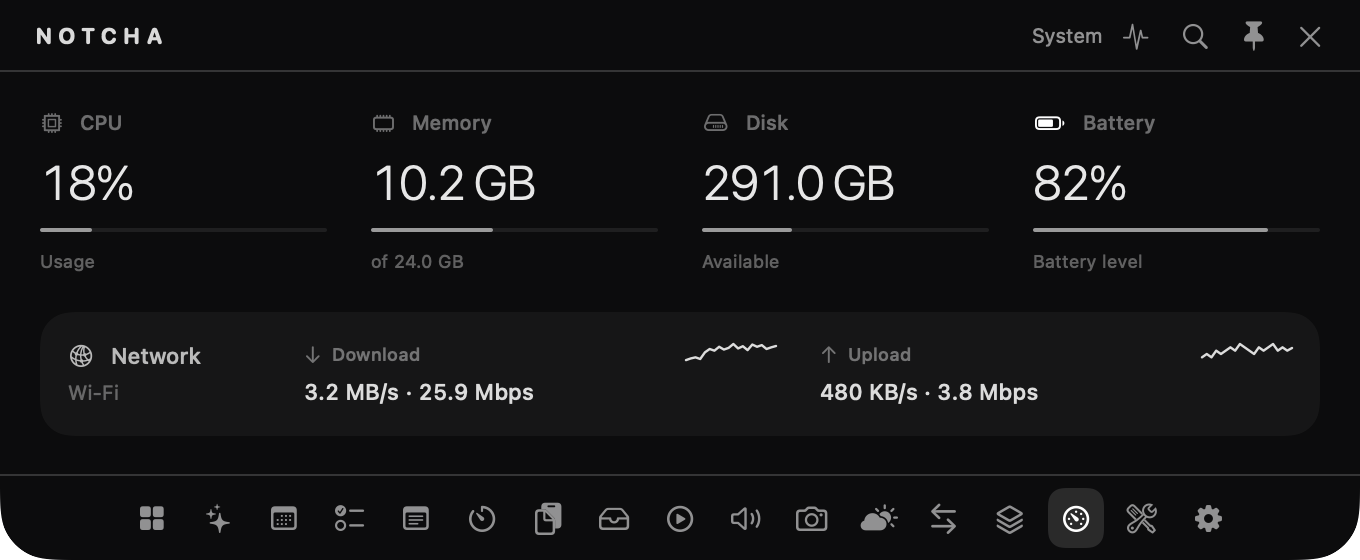
Music, your agenda and reminders together in one glance.
Your daily overview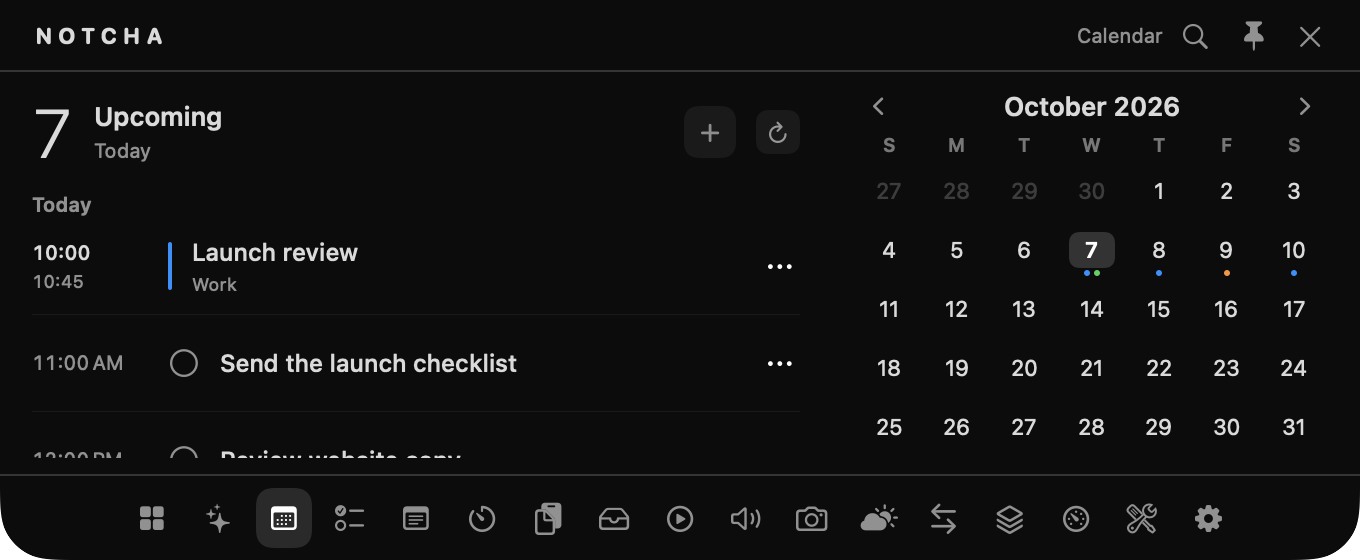
Browse the month and see upcoming appointments with the colors of your calendars.
macOS Calendar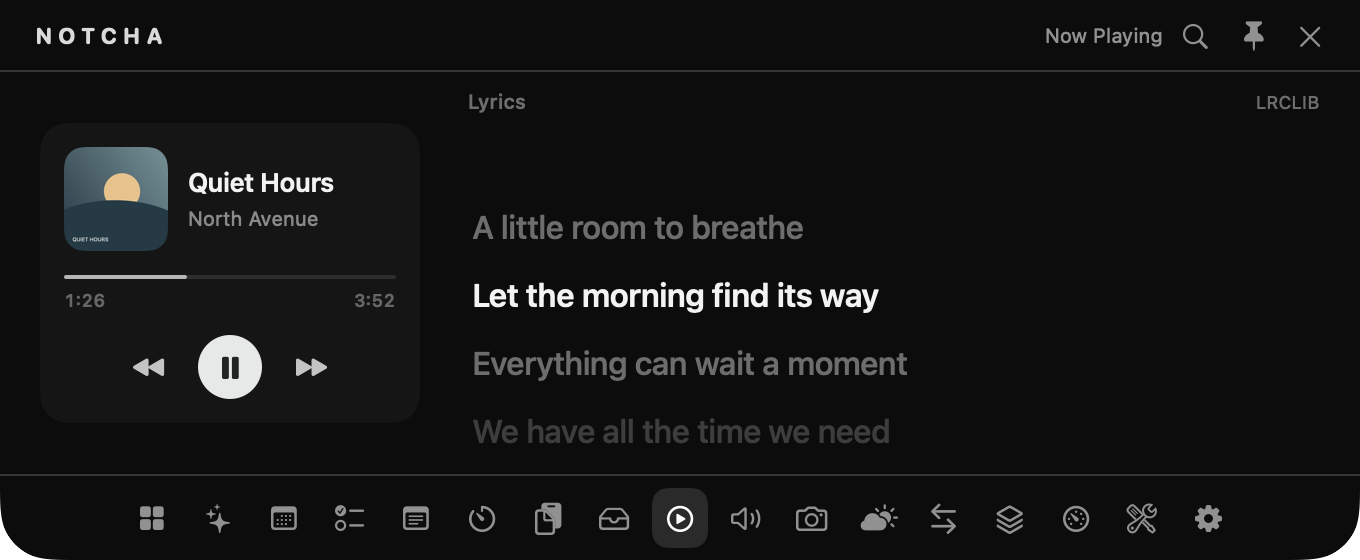
Control Apple Music and Spotify, follow playback progress and read live lyrics.
Music & Spotify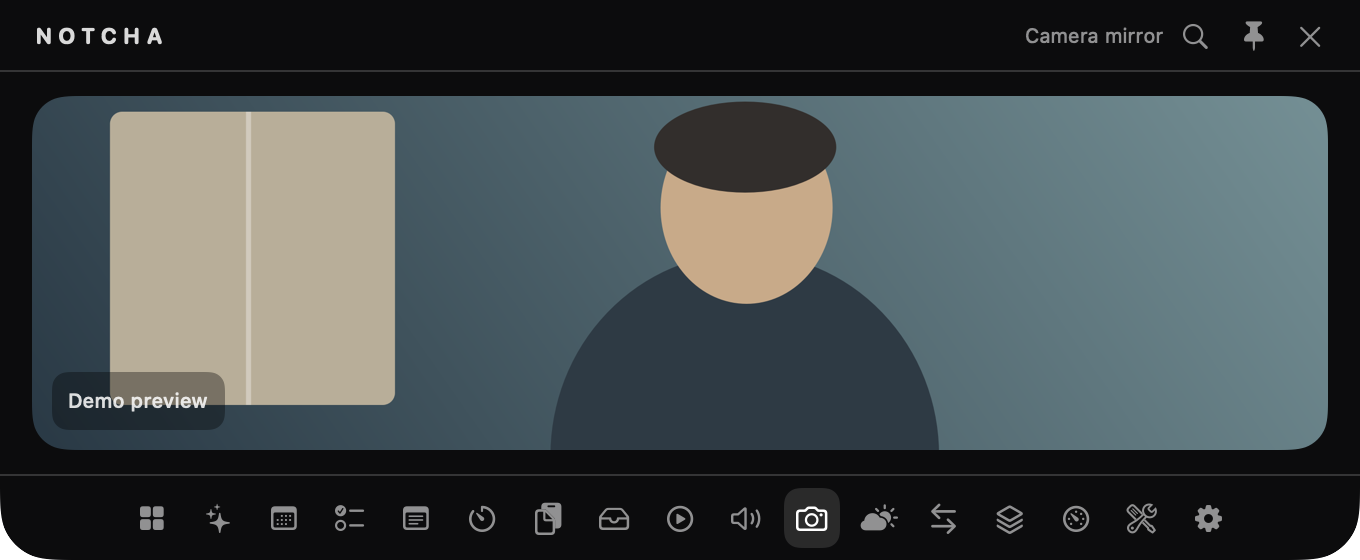
Check your camera preview before joining a call. No recording.
Camera preview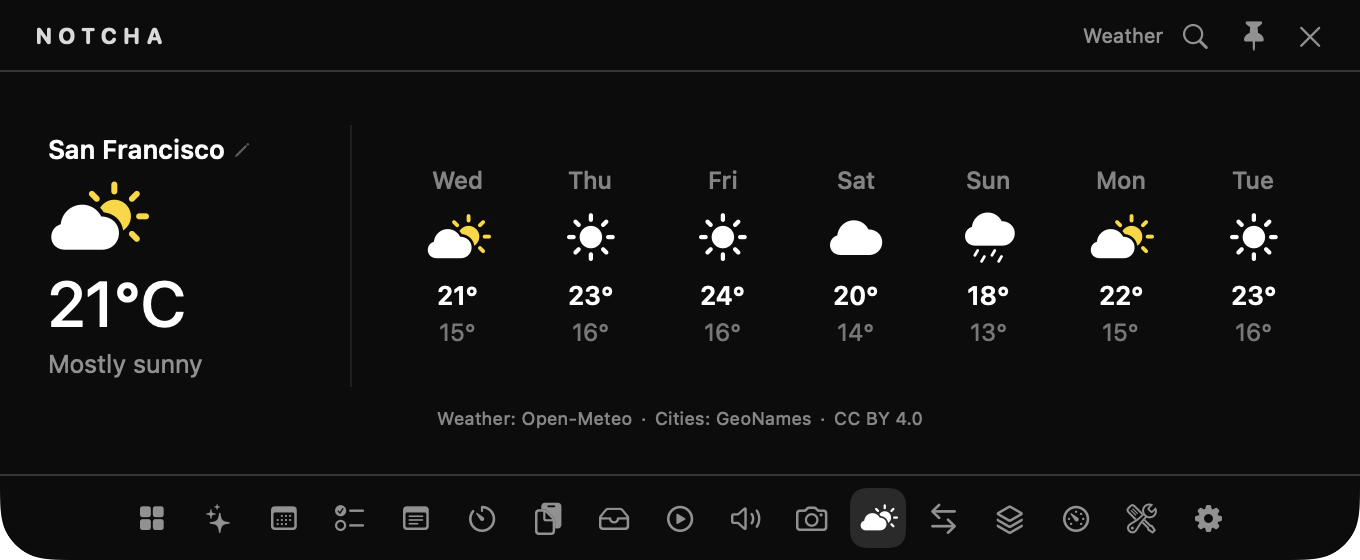
Current conditions and a seven-day forecast for the city you choose.
Open-MeteoDownload the disk image directly from GitHub Releases. No accounts, no paywalls, no tracking.
Download the latest .dmg file from GitHub Releases.
Open the disk image and drag Notcha.app into Applications.
If macOS prompts Gatekeeper, open System Settings → Privacy & Security and click Open Anyway.
| System Requirement | macOS Sonoma 14.0 or newer |
| Architecture | Universal Binary (Apple Silicon M1/M2/M3/M4 & Intel x86_64) |
| Languages | English & Italiano (Settings → General → Language) |
| Price | Free to use · No subscription |